Early access · For PH small businesses
Close your day in minutes, not hours of scrolling through payment apps.
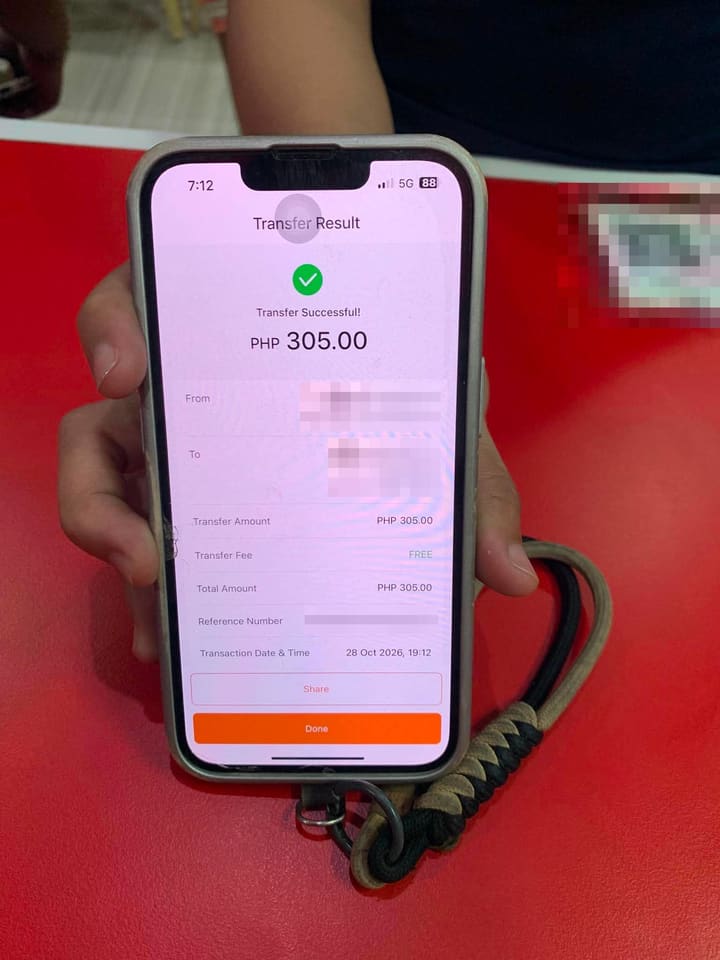
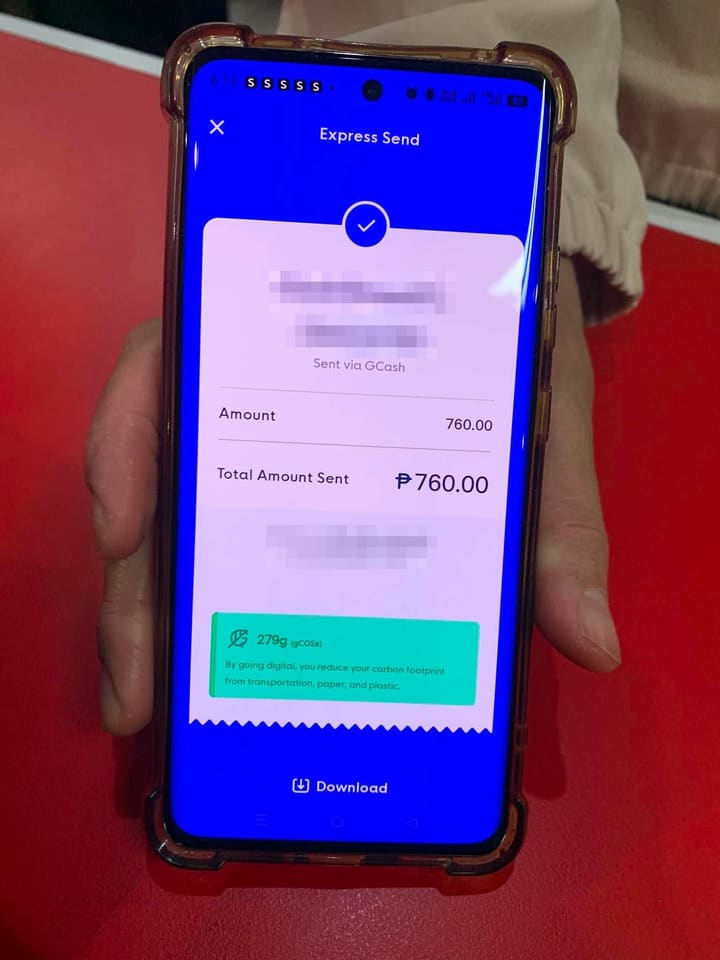
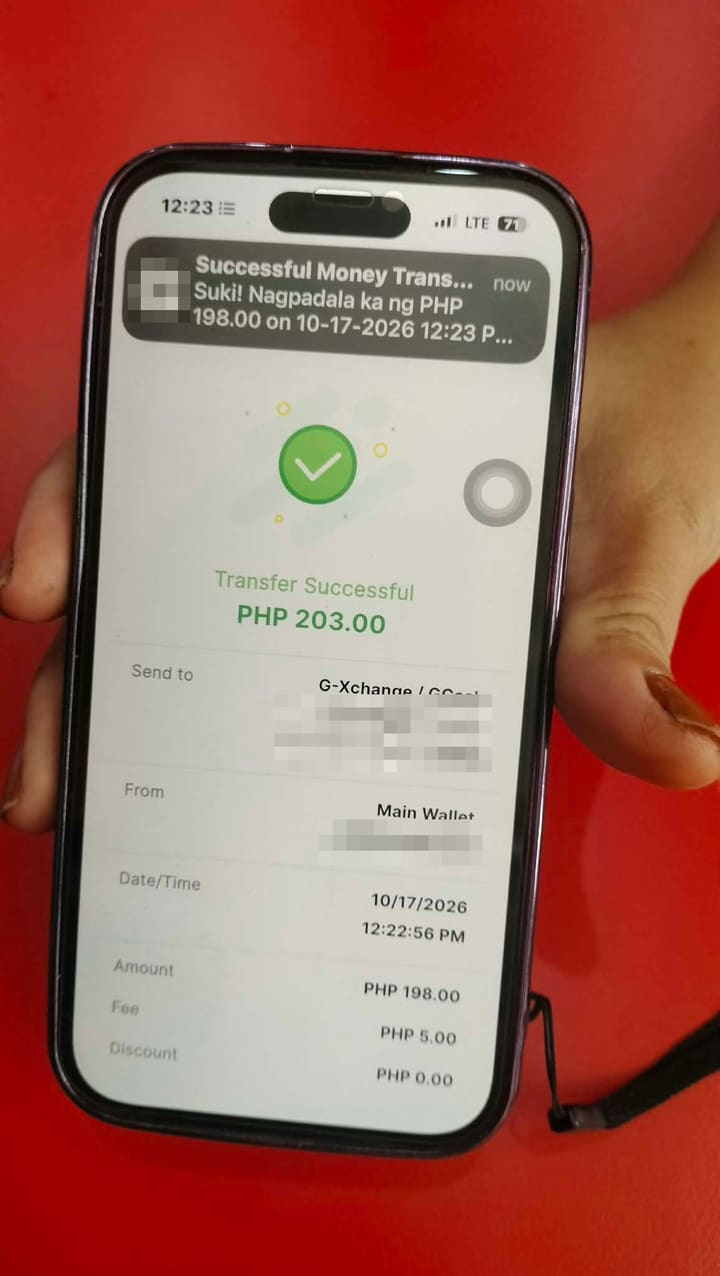
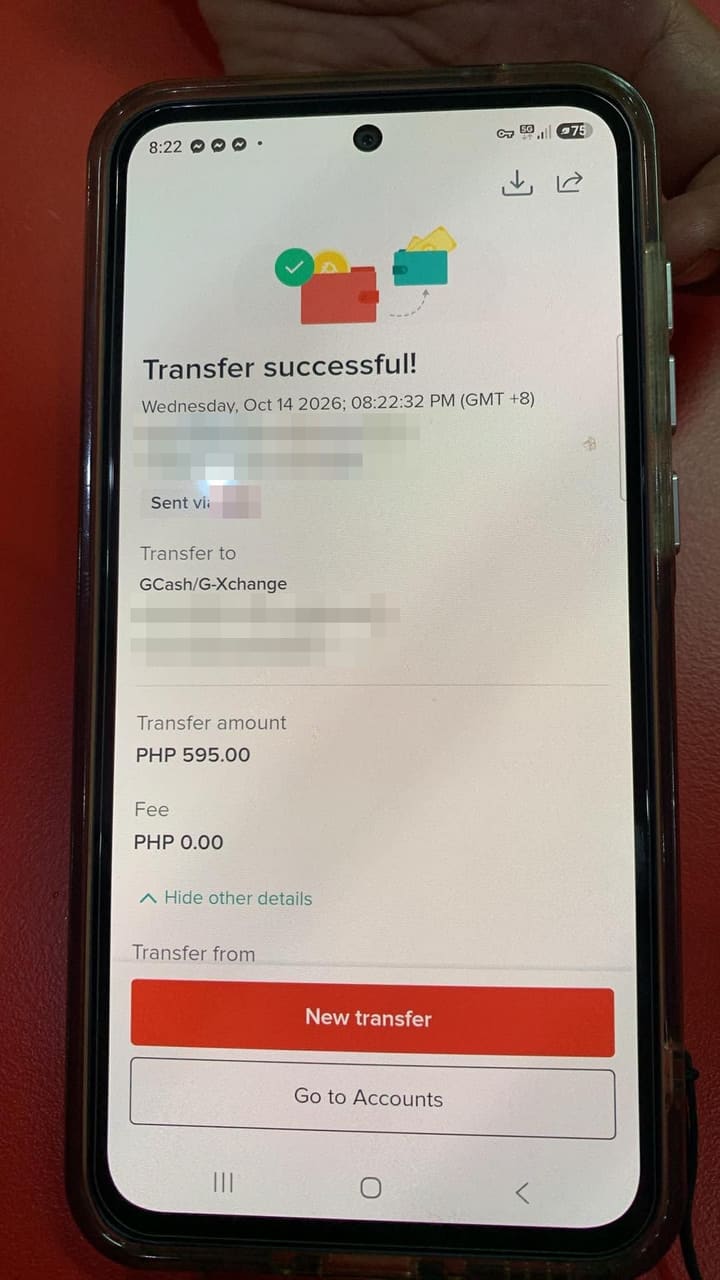
Screenshot your GCash, Maya, GoTyme, MariBank, UnionBank, or QR Ph history at closing. Tugma reads every payment and matches it to your sales, so your end-of-day report is done in minutes: what came in, what matches, and the few that need a second look.
- No more midnight tallying
- No transaction fees
- Any wallet, any phone
Payment screenshots are illustrations, not actual app screens.
The problem
It's 10 PM. The store is closed. You're still scrolling through your payment apps.
QR payments are great for sales and painful for bookkeeping. Every peso is in your app, but matching it to what was actually sold is still a manual job, every single night.
Hundreds of lines to scroll
GCash history, the GoTyme app, UnionBank, MariBank. One by one, against a notebook or Google Sheet. Para lang malaman kung tugma.
Screenshots everywhere
Customers send payment screenshots in Messenger and Viber. Cashiers take photos. They pile up in your gallery, and some aren't even real.
Numbers that never tally
Sales say ₱8,600, the wallets say ₱8,450. A cash sale logged as QR? A missed entry? A fake receipt? Good luck finding it.
Only you can do it
The proof is on your phone, so reconciling waits until you're home and tired, at the end of an already long day.
How it works
Screenshot your history. Tugma does the tallying.
You already scroll your wallet history every night. Now you just screenshot it, and Tugma matches every payment to a sale in minutes. Works on iPhone and Android, with any wallet.
1. Customers pay your QR
Same GCash, GoTyme, UnionBank, or other QR Ph code you already use. Nothing changes for them.
2. Sales are logged
Your cashier logs each sale on the Tugma counter screen, or your POS records it. Customer payment screenshots can be snapped too.
3. Screenshot your history at closing
Open each wallet app and screenshot today's received payments. Upload them all at once, from any phone.
4. Tugma balances the day
It reads every amount and reference, skips rows you captured twice, and matches each payment to a sale. Only the few that don’t match are left for you.
It only reads the screenshots you upload. Tugma never logs in to your wallet, and your staff never need access to it.
Want checks during the day? Optional on Android: a small app on your phone picks up payment alerts as they arrive, so your cashier sees Verified within seconds.
Try it
See a day close itself
A simulated demo. Pick a situation, then press Play or step through.
Step 1 of 4
What it catches
The problems you'd never spot by scrolling, flagged at closing.
Every screenshot your cashier snaps or a customer sends is checked against your own wallet history: the payments that actually reached your account. A customer's screenshot never counts as payment on its own.
Fake screenshots
Edited or AI-made receipts get "No match," because the payment never reached your account.
Reused receipts
The same reference number shown twice, on different sales or different days.
Phantom QR sales
A sale logged as QR, but no money arrived. A common sign that cash went somewhere else.
Unlogged payments
Money arrived but no sale was recorded. You see it, even if nobody wrote it down.
Today's screenshots
Sample
| Ref No. | Amount | Result |
|---|---|---|
| ••• 4821GoTyme | ₱350.00 | Matched |
| ••• 3306MariBank | ₱120.00 | Matched |
| ••• 4821GoTyme | ₱350.00 | Used twice |
| ••• 4471UnionBank | ₱500.00 | Not in your account |
- Confirmed received
- ₱470.00
- Flagged for you
- ₱850.00
Already using a POS?
Keep your POS. Tugma checks the QR sales it records.
Your POS knows what was sold. Your wallet history shows what money actually arrived. Tugma brings the two together at closing, with no double encoding.
Quick check: enter your POS's QR total
10 secondsType in one number from your POS report. Tugma compares it with the QR payments that actually reached your account.
POS says
₱8,480
Received
₱8,450
Difference
₱30 short
Full check: upload your POS sales report
Finds the exact saleUpload the day's sales (CSV or Excel). Every QR sale is matched to a real payment, so you see exactly where the ₱30 went.
- QR sale, no payment
POS receipt #0388 · 3:42 PM₱180 - Payment, not rung up
UnionBank · 2:15 PM₱150
- QR sale, no payment
Do you hold or process my money?
No. Customers pay straight to your own GCash, Maya, GoTyme, MariBank, UnionBank, or other bank account, exactly like today. Tugma only reads the payment records you already receive. It takes no cut of your sales, and you don't need a merchant account or business registration.
How does Tugma see my payments?
At closing, open each wallet app, screenshot today's received payments, and upload them. Tugma reads the amount, reference number, time, and sender from each one. Want checks during the day too? On Android, an optional small app on your phone picks up payment alerts as they arrive. Direct connections for merchant accounts (PayMongo, HitPay, Maya Business) are planned after launch.
Does it work on iPhone?
Yes. Screenshot upload works on any phone, iPhone included, and so does the cashier screen. Only the optional live checks during the day need an Android phone.
What if a screenshot is blurry, or I capture the same payments twice?
Overlapping screenshots are fine: each payment is counted once, by its reference number. If an amount is cut off or hard to read, Tugma shows you the screenshot and asks you to confirm it instead of guessing.
What about customers who don't show a screenshot?
They're still counted. Customer screenshots are optional: every payment is in your own wallet history. Payments with no matching sale show up in your report as "Payment, no sale logged" so nothing slips through.
I already use a POS. Which ones work?
Any of them. The quick check only needs your POS's QR / e-wallet total. The full check works with any POS that can export its sales report as CSV or Excel. Direct POS connections are planned after launch, so tell us which one you use when you join the waitlist.
How much will it cost?
There will be a free plan for one counter. Paid plans will be a flat monthly fee, and waitlist members get early-access pricing. We'll announce prices before launch.
Is my data safe?
Tugma reads payment records only: amount, reference number, time, and sender name as shown in your screenshots. It never asks for your wallet PIN or password. We are building it privacy-first, with compliance with the Data Privacy Act of 2012 (RA 10173) planned before launch.
When can I use it?
We're preparing for early access. Join the waitlist and we'll reach out when spots open, starting with stores that match our first pilot. Questions? Email support@tugma.app.
Early access
Be one of the first stores on Tugma.
We're opening early access to a small group of stores first. Waitlist members get launch discounts and a direct line to shape what we build.
- Free plan for one counter
- No per-transaction fees, no business registration
- No payment details needed to join
- We'll only contact you about early access
You're on the list. Salamat!
We'll email you when early access opens. Know another store owner who needs this?